BrightPause
Windows Version 1.0.0
A calm break reminder for Windows.
How it worksBrightSuite makes friendly little apps that do one thing well: nudge you to rest your eyes, teach you something new, and stay out of your way the rest of the time.

Two so far, each with its own plain-words privacy page.
Windows Version 1.0.0
A calm break reminder for Windows.
How it works
Web, Android in progress
Short lessons and quizzes, one topic at a time.
How it worksA calm break reminder for Windows. Version 1.0.0
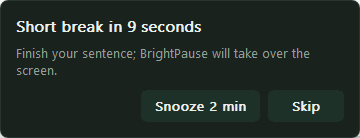
Ten seconds before a break (thirty before a movement break), a small notice appears in the corner with Snooze and Skip. It never takes the keyboard focus, so you can finish your sentence.
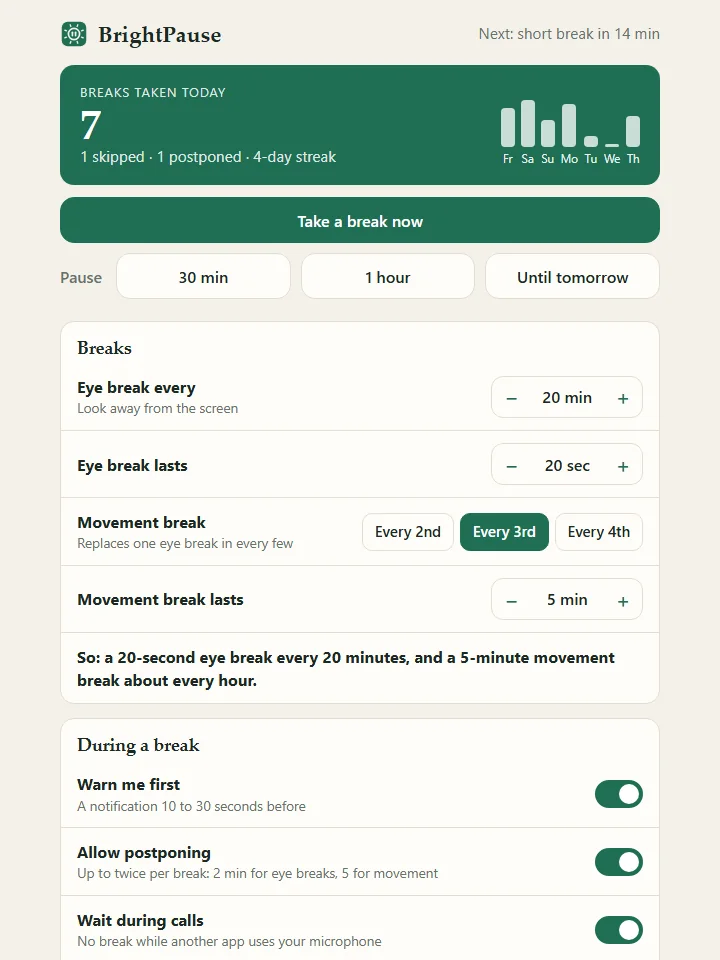
Every 20 minutes a calm 20-second break covers your screens: look far away, blink, roll your shoulders. Every third break is a 5-minute movement break. Each one shows a short message, a tip with its source, or a small challenge.
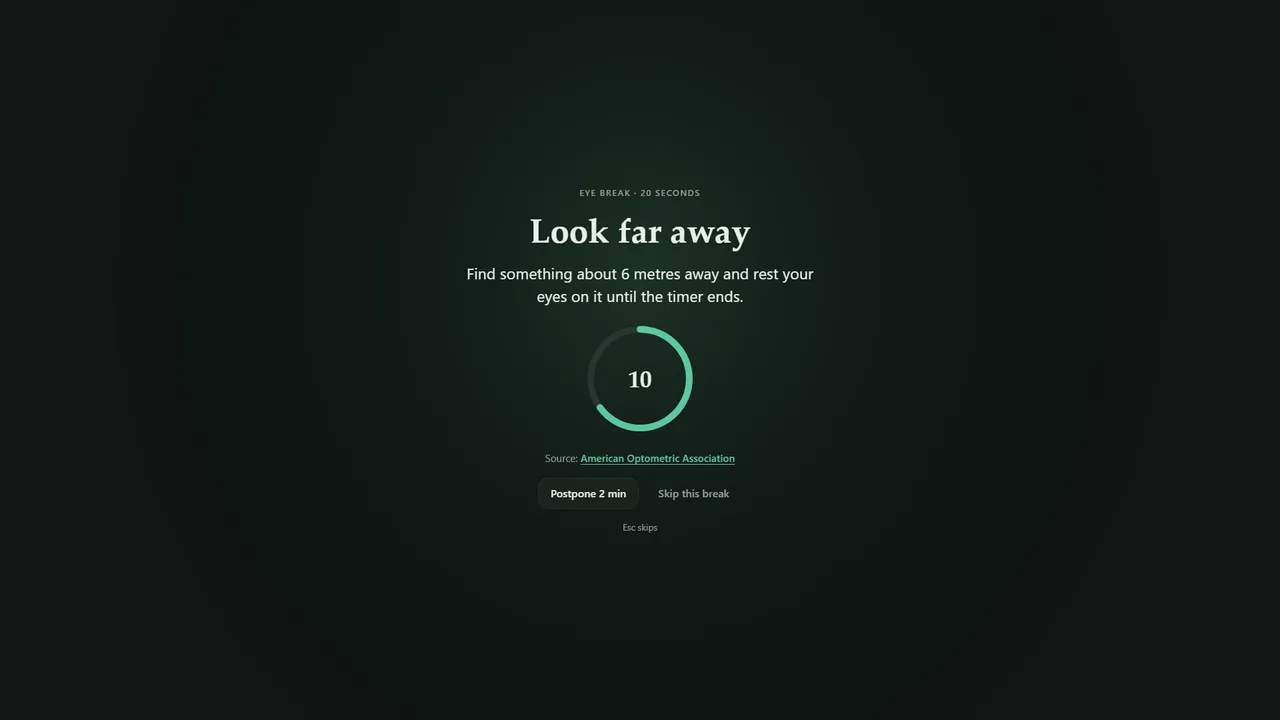
Breaks wait while another app uses your microphone for a call, or while a game, a video or another app is full screen. Five minutes away from the keyboard counts as a break. No account, no network, and your settings stay on your PC.
Short lessons and quizzes, one topic at a time.
Octopuses have three hearts.
Math, science, history, space, philosophy and more. Pick one and get a short lesson, with no feed to scroll and no ads.

Each lesson takes a few minutes to read and ends with a fun fact. Sign in and it can read the lesson aloud.

A short quiz on the lesson you just read, in normal or hard mode, with an explanation for each answer. Send a friend a challenge link to compare scores.

Screenshots use demo lessons.
A few rules every Bright app follows.
Small downloads and little memory. BrightPause runs one small process between breaks and installs in about 2 MB.
No pop-ups that grab your keyboard, no ads, nothing that asks for more of your time than the task needs.
Every app has a privacy page written from what its code actually does, in plain words.